ƒ
Individual stretch curve
Per-note inharmonicity is measured from the live spectrum. Select an octave style, use the entropy solver or adjust the target of any key manually.
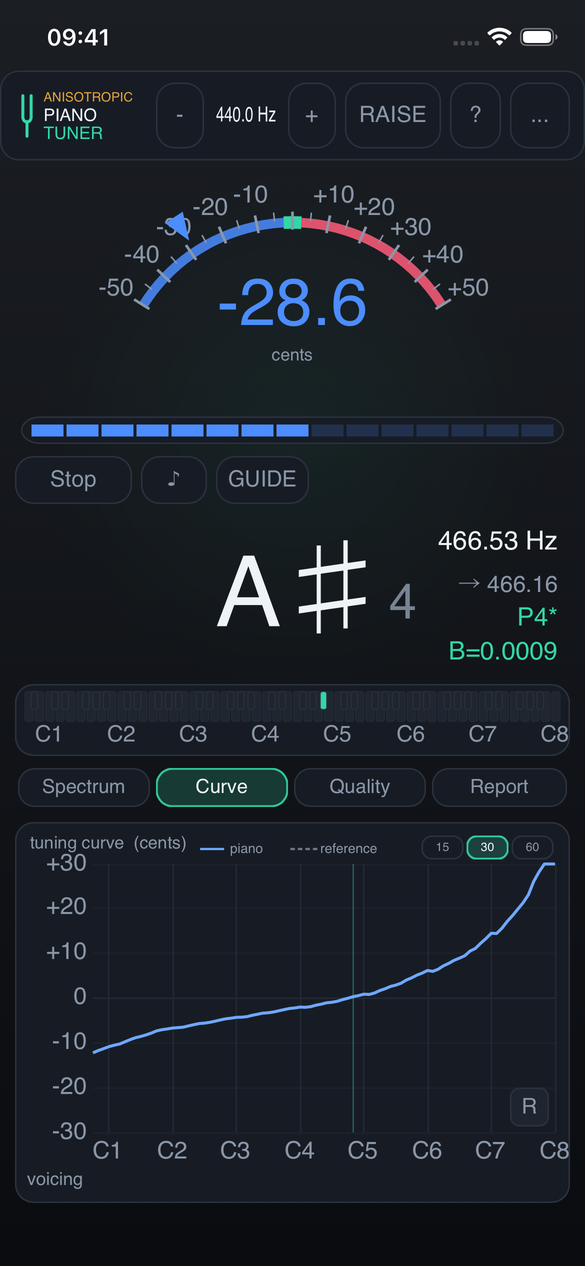
Electronic tuning device for iPhone and iPad
Measure string inharmonicity, calculate an individual stretch curve and tune with a workflow built around the instrument in front of you.
FREE DEMO Three complete octaves free. Subscribe or buy once to unlock all 88 keys.
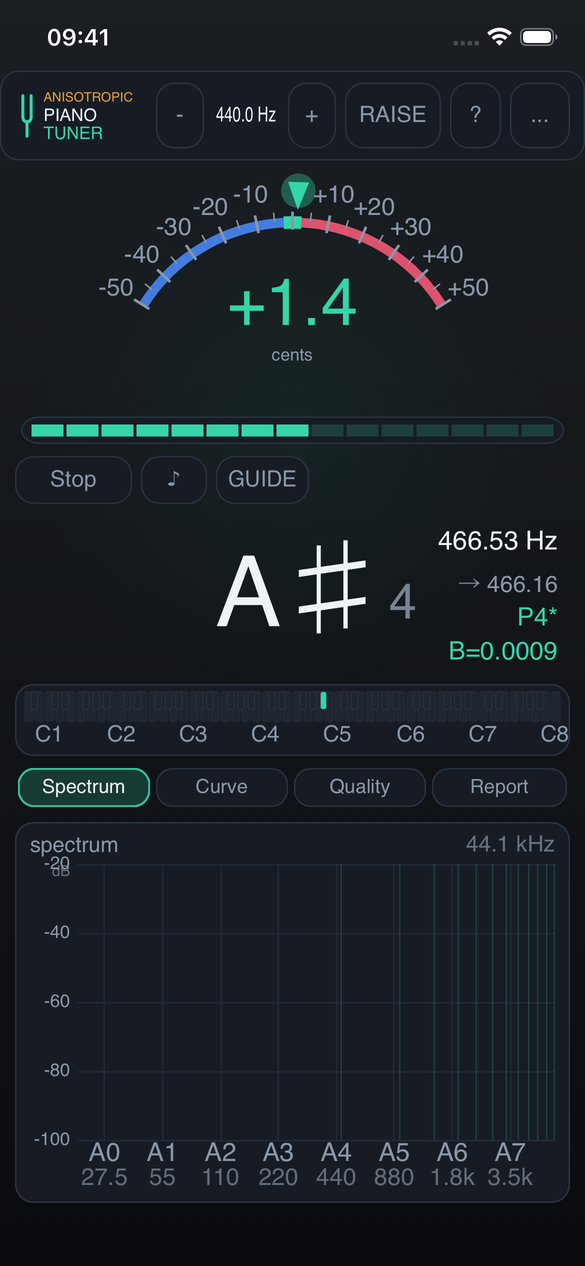
Measurement and calculation
The application uses measured partials rather than a generic piano profile, while leaving final judgement and manual correction to the technician.
Per-note inharmonicity is measured from the live spectrum. Select an octave style, use the entropy solver or adjust the target of any key manually.
Survey the instrument, calculate compensated targets and perform a preliminary pass with an adjustable over-pull factor.
A tonal trigger and adjustable gate reduce the effect of room noise and non-musical transients on the reading.
Compare calculated beat frequencies for thirds, sixths, fourths, fifths and octaves with what you hear.
GUIDE follows a practical tuning sequence and advances after a stable zero reading. LOCK holds detection on the selected key.
Beyond pitch
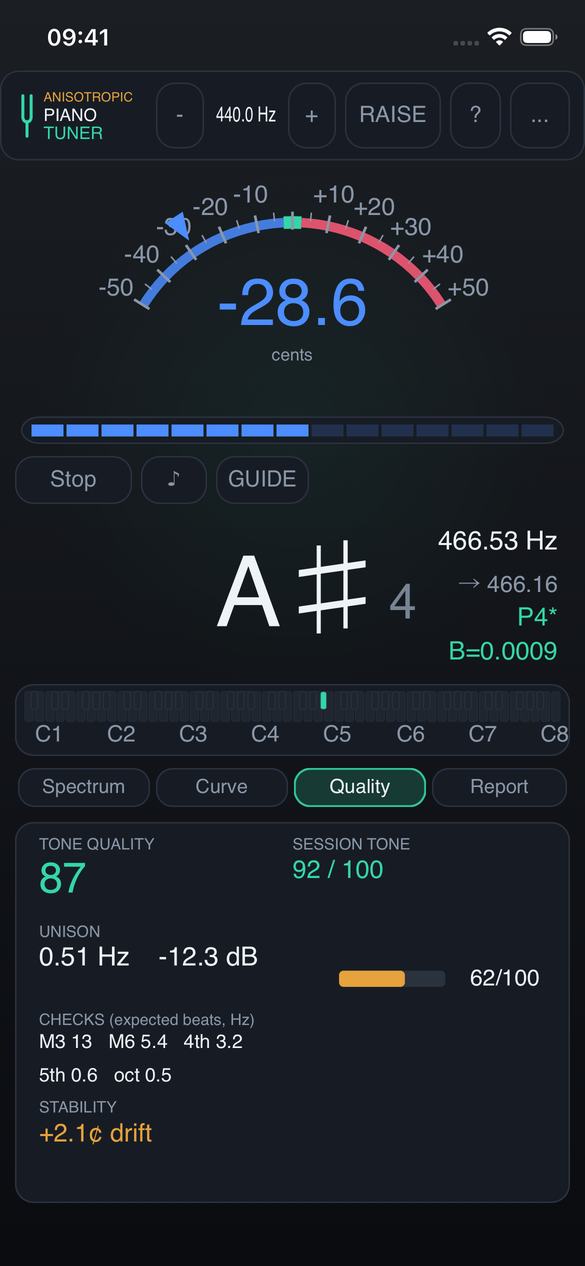
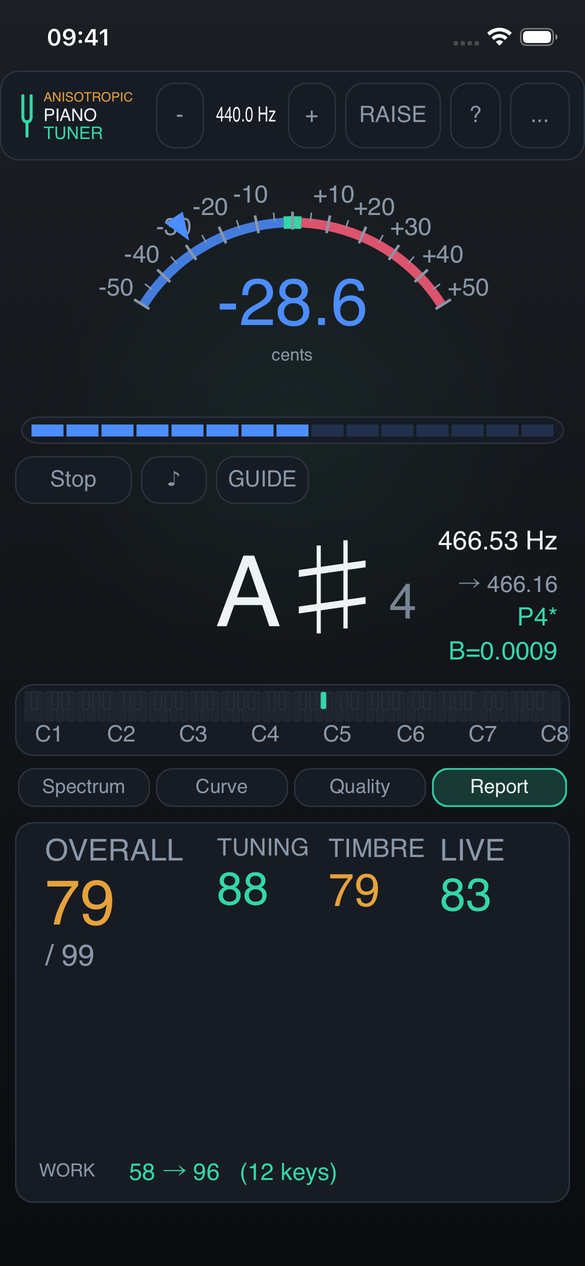
The Quality and Report views summarize calculated spectral and temporal characteristics. They support comparison between measurements and do not replace aural assessment.
Interface
Use the compact phone layout on the front rail or open the same measurement tools on an iPad.
Instrument records
Keep its tuning curve, measurements and visit history under one name.
Attach text notes, voice memos and up to ten reference photos.
Generate a clear text summary of measurements and recorded visits.
Export the complete library to one file without an account or cloud service.
Purchase options
Download the app at no charge and use three complete octaves. Full access is available monthly, yearly or as a one-time lifetime purchase.
Monthly
All 88 keys and every feature, billed monthly through Apple. The subscription renews automatically until cancelled.
Best value
Yearly
All 88 keys and every feature, billed yearly through Apple. The subscription renews automatically until cancelled.
Lifetime
All 88 keys and every feature with one non-subscription purchase.
Prices vary by App Store storefront. Apple shows the exact price for the country or region of your Apple Account before purchase. No Anisotropic Audio account is required.